Android TV · Mobile · Windows · LG webOS

One player.
Every screen.

FIRESTREAM brings your compatible TV playlist together in a fast, clear interface designed for the sofa, the phone and the LG remote.

UHD+ PlayerUHD+ PLAYER

Powered by FIRESTREAM

Big-screen quality.
Everywhere.

A fluid, modern player built for Android TV and Android mobile, with simple activation and playlist management from the FIRESTREAM platform.

7-day trialManaged playlistsSecure activation
UHD+ Player interface on Android TV

Two apps, one experience

Designed for the screen you use

The TV and mobile editions share the same identity while adapting every interaction to remote control or touch.

Android TV

UHD+ Player TV

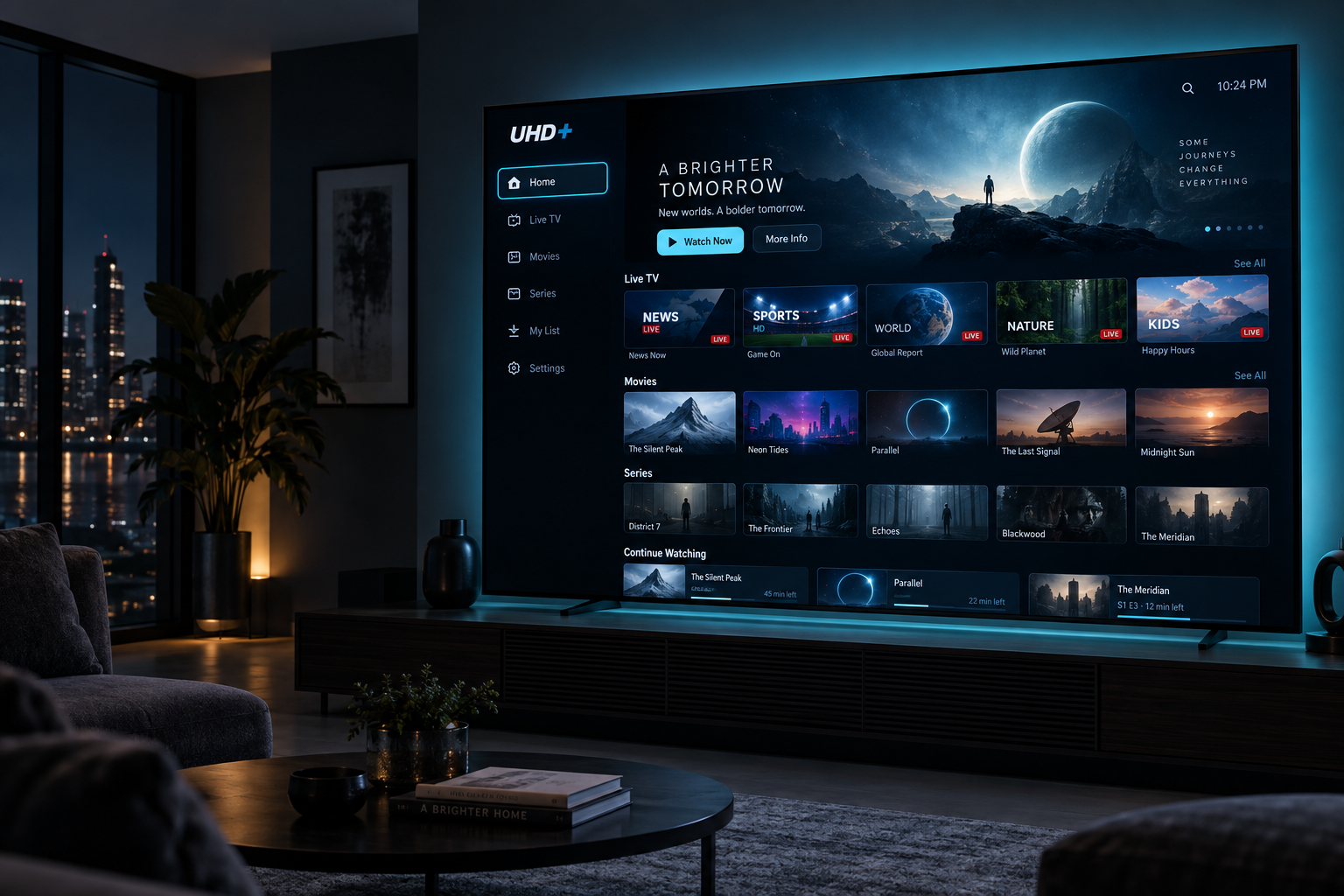
A cinematic ten-foot interface with clear focus, quick access to live channels, films and series, and comfortable remote-control navigation.

  • Optimised for televisions and Android TV boxes
  • Programme guide and viewing progress
  • Automatic updates through FIRESTREAM
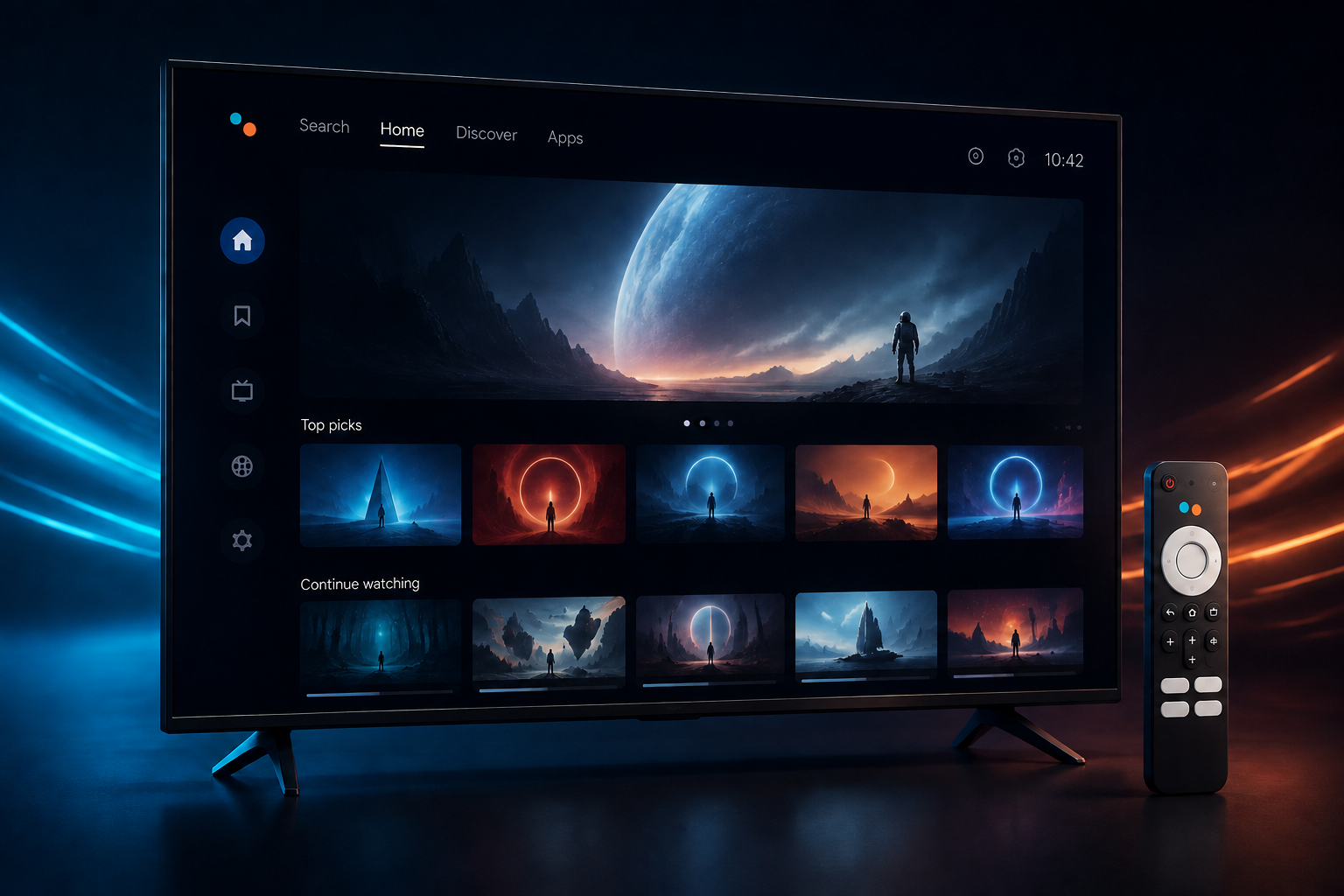
UHD+ Player TV application
Android Mobile

UHD+ Player Mobile

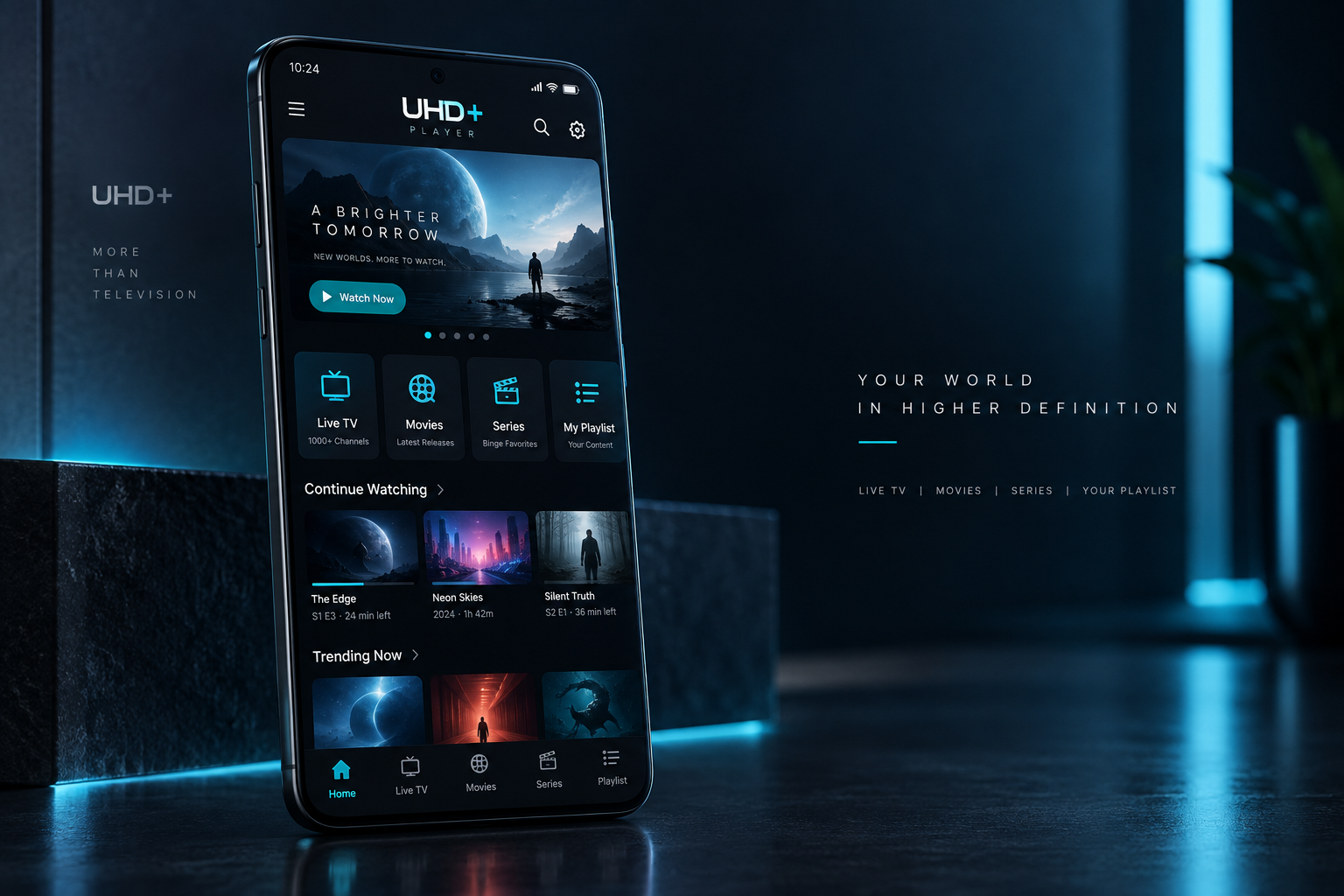
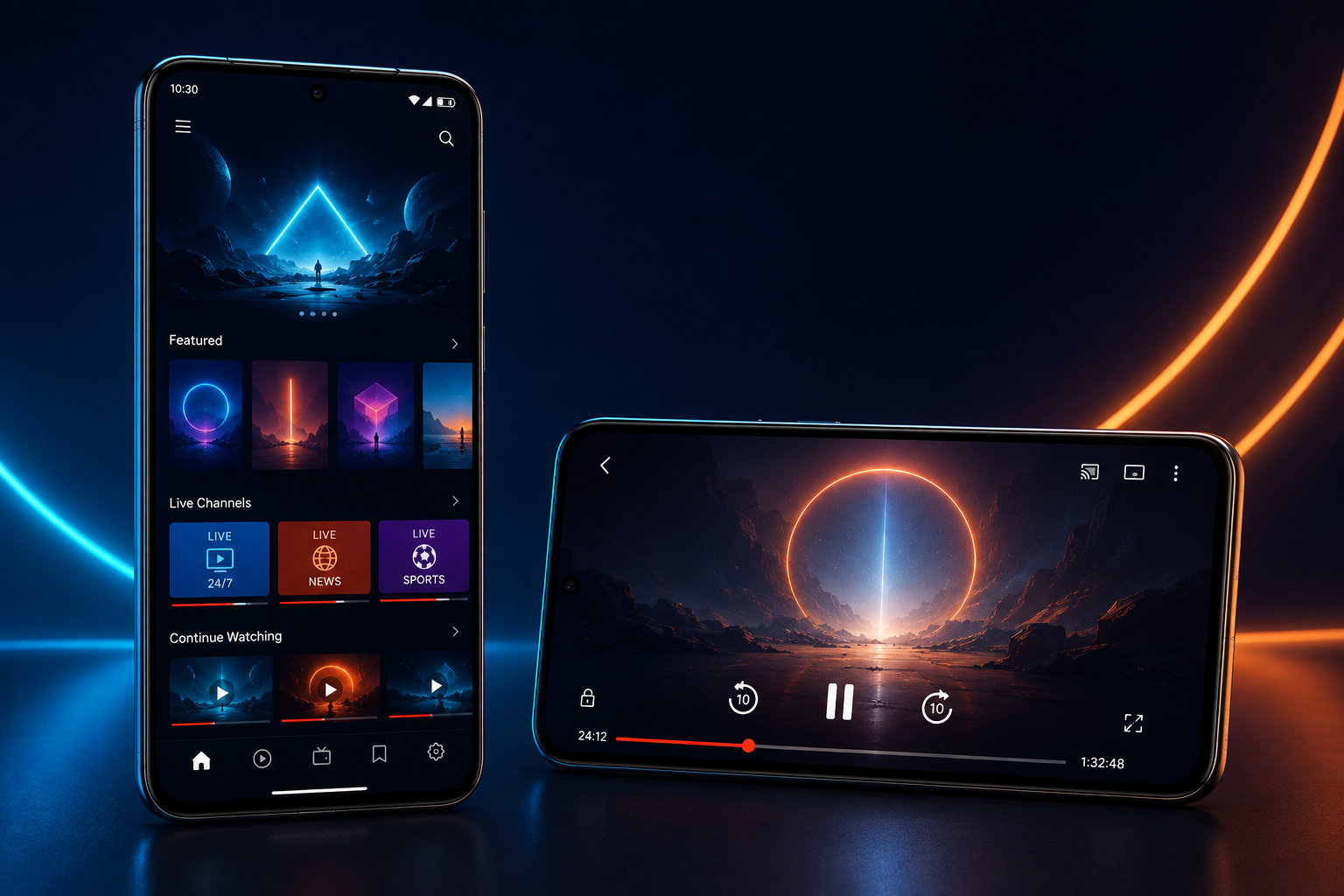
Your compatible playlists in a touch-first interface made for phones and tablets, in portrait or landscape.

  • Fast navigation for smaller screens
  • Live TV, films, series and favourites
  • Separate package tailored to mobile
UHD+ Player Mobile application

Official APK downloads

Install UHD+ Player

Choose the package matching your device. Only the public TV and Mobile editions are offered here.

Television & TV box

UHD+ Player TV

For Android TV devices and remote-control navigation.

Download TV APK30 downloads
Phone & tablet

UHD+ Player Mobile

For Android phones and tablets, with touch navigation.

Download Mobile APK22 downloads

Simple from day one

Activate, add, watch

7 days included

Try the application for seven days on first activation.

Your playlists

Add compatible playlists in the app or receive managed playlists from the FIRESTREAM portal.

Private activation

A short device key activates the player without using your MAC address as a licence identifier.

Important: UHD+ Player and FIRESTREAM are media players. They do not sell, host or include channels, films or series.

The complete FIRESTREAM ecosystem

All FIRESTREAM applications remain available

Continue below for Android TV, FIRESTREAM-MOB, Windows, LG webOS, the Xtream playlist tutorial and all original downloads.

Four experiences, one product

Made for the screen in front of you

Each edition keeps the same FIRESTREAM identity while adapting navigation, playback controls and layout to its device.

Android TV & boxes

Built for the remote

A spacious ten-foot interface for live channels, movies and series, with predictable directional navigation from anywhere on the screen.

  • Focused TV navigation and a clear programme guide
  • Live groups and channels designed for quick browsing
  • Recent movies, series and continue-watching rows
FIRESTREAM Android TV product presentation
FIRESTREAM-MOB

Your playlist, in your pocket

A touch-first Android experience that remains comfortable in portrait and landscape, with controls made for a smaller screen.

  • Compact live-TV groups and a full-height channel list
  • Media-volume and in-player brightness controls
  • Movies, series, guide and viewing progress on the move
FIRESTREAM mobile product presentation
Windows PC

Cinematic on the desktop

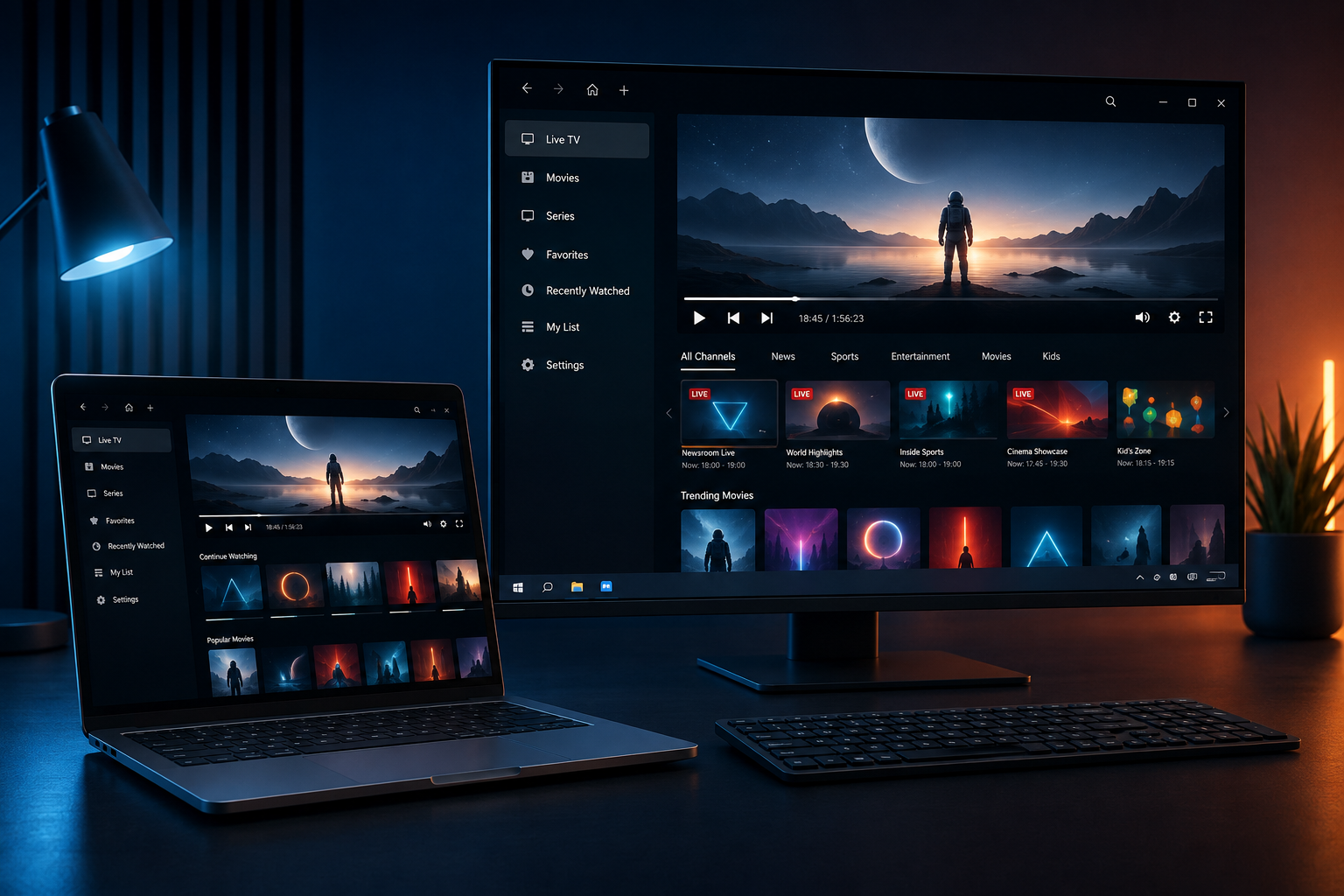
A full desktop player for a large monitor or laptop, with mouse-friendly navigation and the same clear access to your compatible playlist.

  • Dedicated Windows desktop application
  • Live TV, movies, series and viewing progress
  • Guided installer for a complete installation
FIRESTREAM Windows PC product presentation
LG webOS

Native to the living room

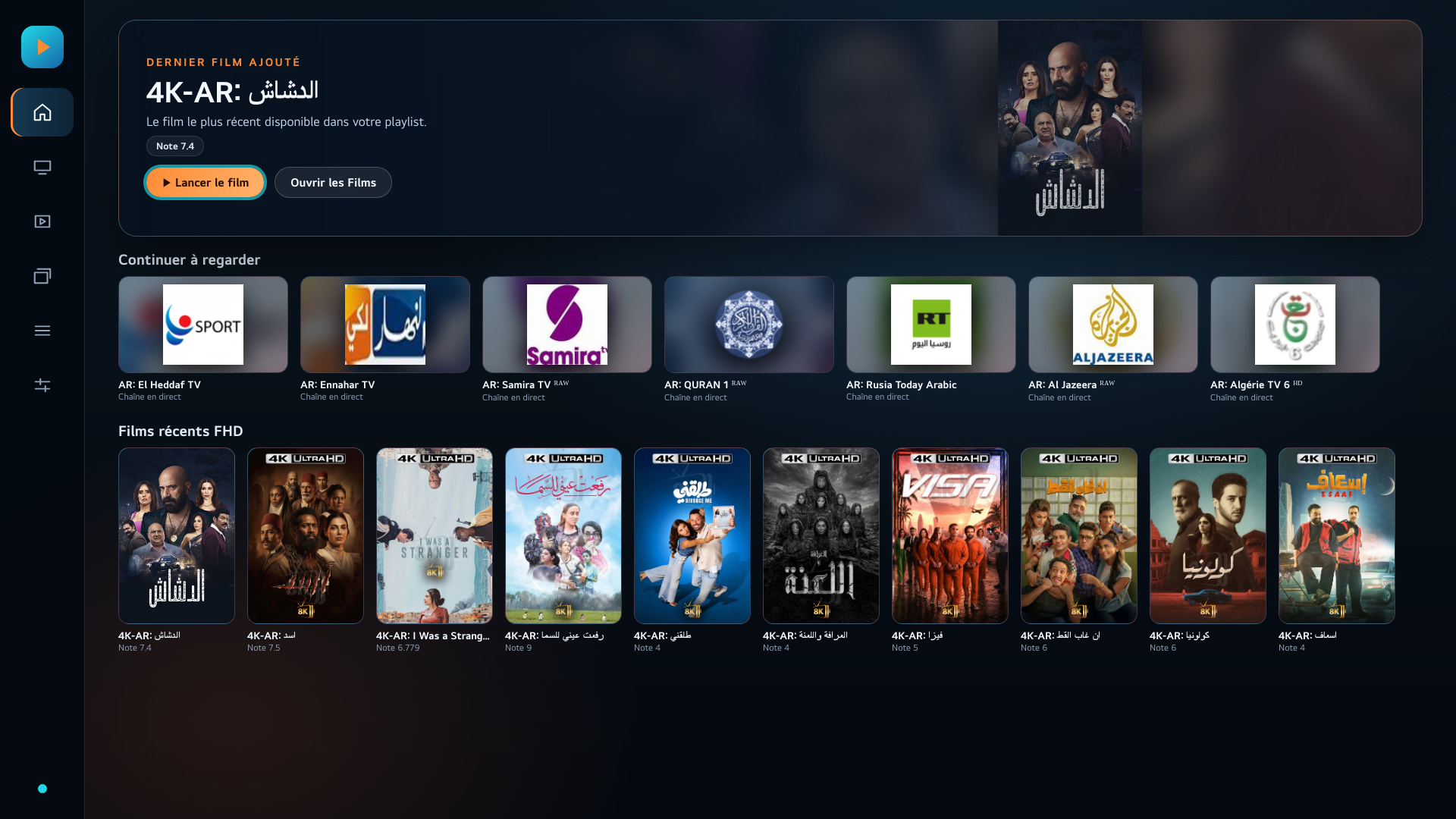
A dedicated webOS edition tuned for five-direction LG remote navigation, large typography and Full HD television displays.

  • A cinematic home banner with your latest title
  • Continue watching and recent Full HD movie rows
  • Live preview, programme information and catch-up support
FIRESTREAM home screen on LG webOS

Quick tutorial

Add an Xtream playlist

Android TV · TV5 · MOB

The current application menus

  1. Open LISTS from the home screen.
  2. Select the cyan + button.
  3. Enter the playlist name, then paste the full Xtream link into Address or Xtream link. The server, username and password are extracted automatically.
  4. Select Save.
  5. In the playlist list, select ACTIVATE to load its content.

For a playlist managed from the FIRESTREAM portal, do not add it manually: it synchronises automatically and only needs to be activated.

Use only access details you are authorised to use. FIRESTREAM provides no channels or content.

FIRESTREAM TV and TV5HOME → LISTS → +

Use the remote control and confirm each action with OK.

FIRESTREAM-MOBHome → LISTS → +

The LISTS action is located in the compact header on the home screen.

Official downloads

Choose your device

Download only the edition made for your screen. Android TV and Android mobile use separate packages.

Android TV

FIRESTREAM TV

For televisions, Android TV boxes and remote-control navigation.

Download TV APK95 downloads
Android 5 / 6

FIRESTREAM 5

For televisions and TV boxes running Android 5 or 6 only, with remote-control navigation.

Download FIRESTREAM 5 APK5 downloads
Android 7 only

FIRESTREAM TV7

For televisions and TV boxes running Android 7.0 or 7.1 only, with remote-control navigation.

Download TV7 APK2 downloads
Android Mobile

FIRESTREAM-MOB

For Android phones and tablets, in portrait or landscape.

Download mobile APK59 downloads
Windows PC

FIRESTREAM for Windows

ZIP archive containing the FIRESTREAM setup program for your PC.

Download Windows ZIP71 downloads

The counters are aggregate totals only. FIRESTREAM does not create an advertising profile and does not use marketing cookies.

Designed around your access

Simple to activate. Private by design.

Stable activation

A short device key lets you activate the app without exposing a MAC address or advertising identifier.

Managed playlists

Playlist access can be synchronised securely, while optional six-digit PIN protection keeps locked playlists private.

No advertising profile

The public website uses no advertising tracker, analytics tag or marketing cookie.

Important: FIRESTREAM is a media player. It does not sell, host or include television channels, movies or series. You need access to a compatible service and must have the right to view its content.